


DS-1272ZJ-120

 Opis
Opis
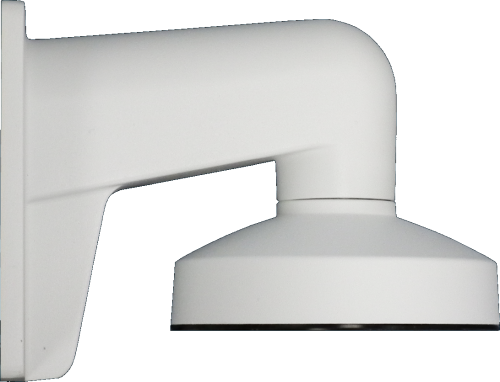
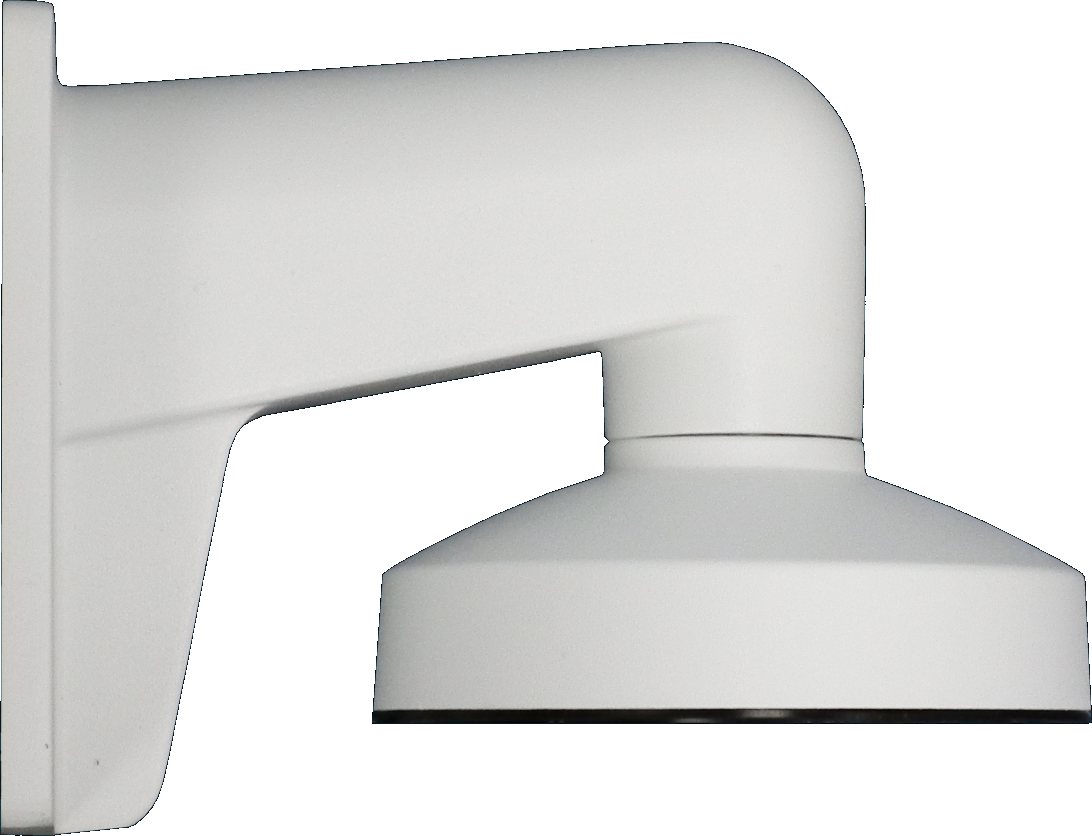
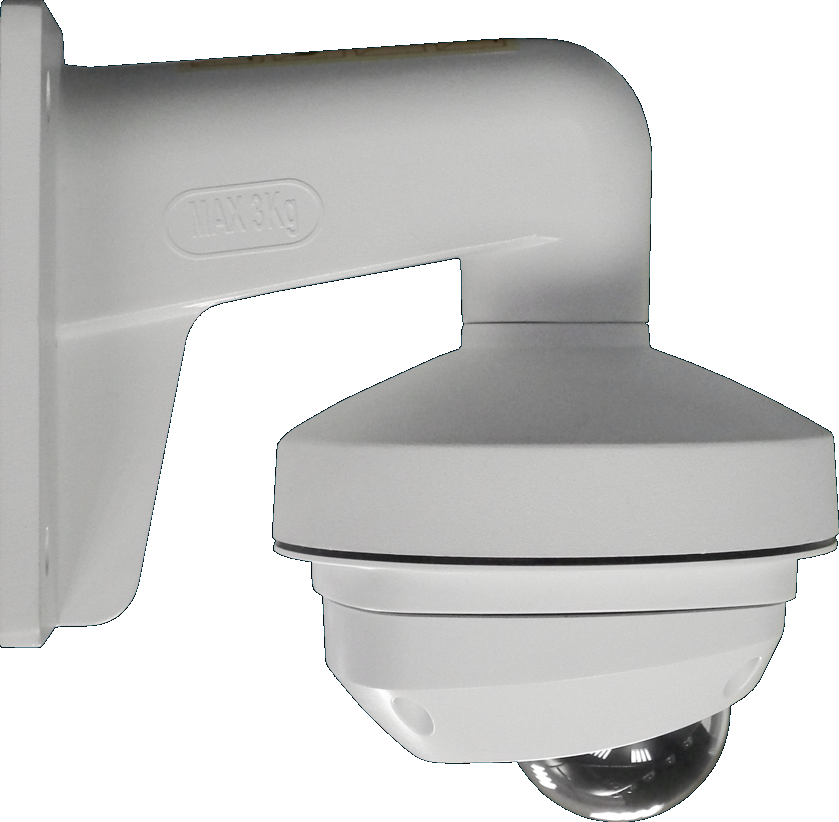
Uchwyt metalowy ścienny Hikvision do montażu kamer: serii DS- 2CD25xx, DS-2CD7153-E, DS-2CD7164-E, DS-2CS58A1P-IRS i DS-2CS54A1P-IRS. W niektórych przypadkach jest wymagany adapter DS-1282ZJ-DM(mini). Wymiary: śr.120x122x173.5mm. Waga około 440g....
Gwarancja: 36 mies.
Karta katalogowa 
Tekstowa zawartość karty katalogowej PDF:
DS-1272ZJ-120
120 Wall Mounting Bracket for
Mini Dome Camera
Features:
Aluminum alloy material with surface spray
treatment
Waterproof rubber suits for indoor/outdoor design
The outlet hole makes the feature looks better
Better water proof as nose-up pitch design
Matched junction box has the waterproof stopper
Dimension:
Order Model:
DS-1272ZJ-120
Parameter:
Model
Parameters
DS-1272ZJ-120
120 Wall Mounting Bracket for Mini Dome Camera
Appearance Hik White
Range of
Application
Suitable for dome camera wall mounting
Material Aluminum Alloy
Dimension 120x122x173.5mm
Weight 440g
Notice:
The bracket should be installed on flat wall
Waterproof rubber is necessary for outdoor application
The wall must be capable of supporting over 3 times as
much as the total weight of the camera and the mount.
The maximum load capacity of the bracket is 4.5KG
Model Suitable:
DS-2CS58A1P-IRS, DS-2CS54A1P-IR, DS-2CD2512F-I(W), DS-2CD2532F-I(W), DS-2CD7133-E, DS-2CD7153-E, DS-2CD7164-E
Installation Step:
① Choose the appropriate
wall and thread the wire
② Fix the adapter to bracket
and thread the wire
③ Screw up and fix the
adapter
④ Get off the transparent cover
and check the hole site of
adapter plate
A: Reserved hole for wiring
B: Tightening Screw
C: DS-2CS58A1XX,DS-2CD25XX
D: DS-2CD71XX
⑤ Install the adapter to
the bracket and screw
up
⑥ Connect the camera wire
and fix the camera onto
the adapter plate
⑦ Modify the angle of
monitoring, install the
transparent cover and
screw up
⑧ Bracket Installation complete.
Note: The actual bracket may vary from the picture above.