


DS-1271ZJ-130

 Opis
Opis
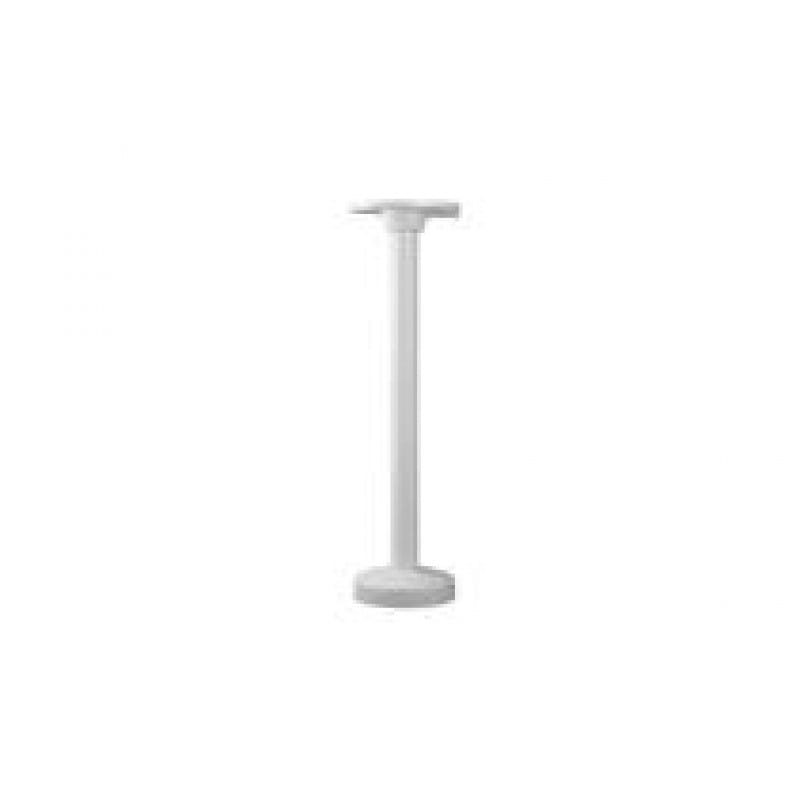
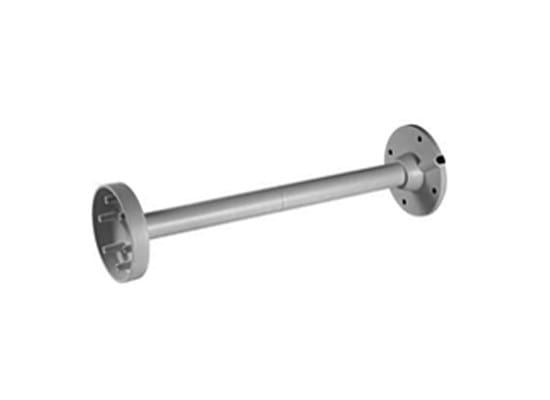
Uchwyt metalowy sufitowy Hikvision do montażu kamer serii DS-2CD41xxFWD-(I)(Z)(FC), iDS-2CD6124FWDI(Z)/(H)/(F)/(B)/(C), DS-CD41xx, DS-2CE56D5T-(A)VFIR, DS-2CE56C5T-(A)VFIR,DS-2CE56D1T-VFIR, DS-2CE56D5T-AIRZ, DS-2CE56D1T-(A)IRZ, DS-2CD7xx, DS-2CC51AxP(N)-VF i DS-2CC5181P(N)-VF. Wymiary: śr.150x565mm. Waga około 1900g....
Gwarancja: 36 mies.
Karta katalogowa 
Tekstowa zawartość karty katalogowej PDF:
DS-1271ZJ-130
Pendent Mounting Bracket for
Dome Camera
Features:
Aluminum alloy material with surface spray
treatment
Waterproof design
Cable hole on bracket makes the feature better
Design of cap is for convenient wiring
Dimension:
Order Model:
DS-1271ZJ-130
Parameter:
Model
Parameters
DS-1271ZJ-130
Pendent Mounting Bracket for
Dome Camera
Appearance Hikvision White
Material Aluminum Alloy
Dimension Φ150X565mm
Weight 1900g
Notice:
The bracket should be installed on flat wall
The wall must be capable of supporting over 3 times as
much as the total weight of the camera and the mount.
The maximum load capacity of the bracket is 4.5KG
Model Suitable:
DS-2CD7X3PF(NF)-E(I)(Z),DS-2CD793PFWD-E(I)(Z),DS-2CD793NFWD-E(I)(Z),DS-2CD7X4FWD-E(I)(Z)
DS-2CD7XXF-E(I)(Z),DS-2CD783F-EP,DS-2CD4112F-(I),DS-2CD4112FWD-(I),DS-2CD4124F-(I),DS-2CD4132FWD-(I)
Installation Step:
① Choose the appropriate
wall to install the ceiling
plate and wiring
② Connect pole and adaptor
cap; wiring and screw up
③ Screw up in A & B and fix
pendent pole and cap
④ Screw the dome to the cap
A & B: Fastening screw
C: Bayonet of dome adaptor
⑤ Check the hole site and
fix adaptor to cap
⑥ Wiring and fix dome
camera to adaptor
⑦ Rotate the dome camera
moderately and screw up
the fastening screw
⑧ Installation complete
D: Fastening screw on dome
Note: The actual dome camera may vary from the picture above.