


DS-1212ZJ

 Opis
Opis
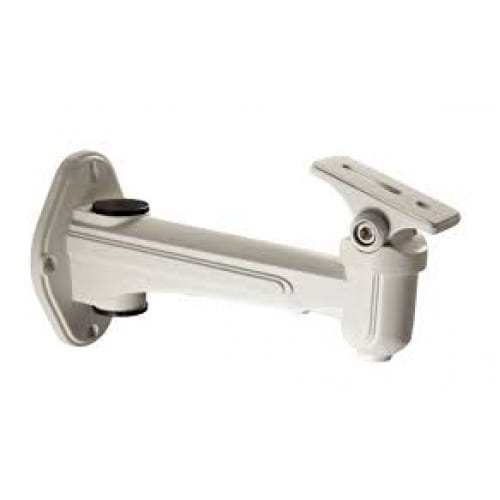
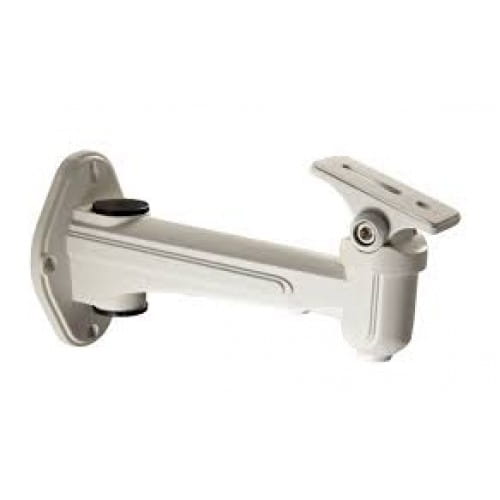
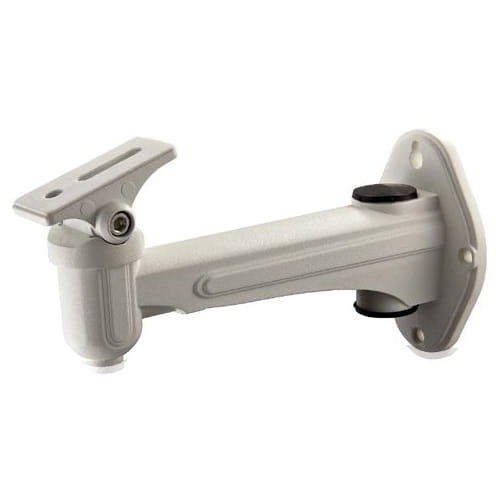
Uchwyt metalowy montażowy Hikvision do kamer kompaktowych oraz obudów wewnętrznych i zewnętrznych wykonany ze stopu aluminim. Wymiary: 95x65x188.5mm. Waga: 360g....
Gwarancja: 36 mies.
Uwaga! Produkt wycofany z produkcji!
Karta katalogowa 
Tekstowa zawartość karty katalogowej PDF:
DS-1212ZJ(-S)
Wall Mounting Bracket
Features:
Die casting aluminum with surface spray treatment
Design with cable entry hole
Sponge pat is fixed on the surface of substrate to
ensure the stabilization of camera
The soleplate is rotatable for monitoring scene
adjustment
Dimension:
Order model:
DS-1212ZJ DS-1212ZJ-S
Parameters:
Model
Parameter
DS-1212ZJ DS-1212ZJ-S
Wall Mounting Bracket
Color Hik white Silver
Feature
Suitable for box, bullet and zoom camera
wall mounting
Material Aluminum alloy
Angle Horizontal:360°; Vertical:-45°~45°
Dimension 65x95x188.5mm
Weight 360g
Configurable
Bracket
DS-1275ZJ (vertical pole mount)
Notice:
Pay attention to the color matching as selecting bracket
The bracket is installed on the flat surface of a wall
The diameter of hole site is within 6.5mm
The distance between two screw hole is 13~33mm
The wall must be capable of supporting more than 3
times the total load of the camera and the mount.
The Max. capacity load of bracket arm is 8.5kg
The maximum load capacity of the mount is 2.5KG
Installation step:
①Choose the appropriate wall to mount the bracket
②Complete the fixation and wiring
A: Screw of vertical adjust; B: Screw of Horizontal adjust
③Unscrew the vertical adjusting screw and get
the soleplate out of the camera.
C: Installation base of camera
④ Fix the camera onto the base and screw up ⑤ Fix the IPC & base onto the bracket and
screw up
⑥ Wiring and adjust the site and angle of IPC
Note: The actual bracket may vary from the picture above.
A
B
C